> ## Documentation Index
> Fetch the complete documentation index at: https://docs.assistantscenter.com/llms.txt
> Use this file to discover all available pages before exploring further.
# Sharding
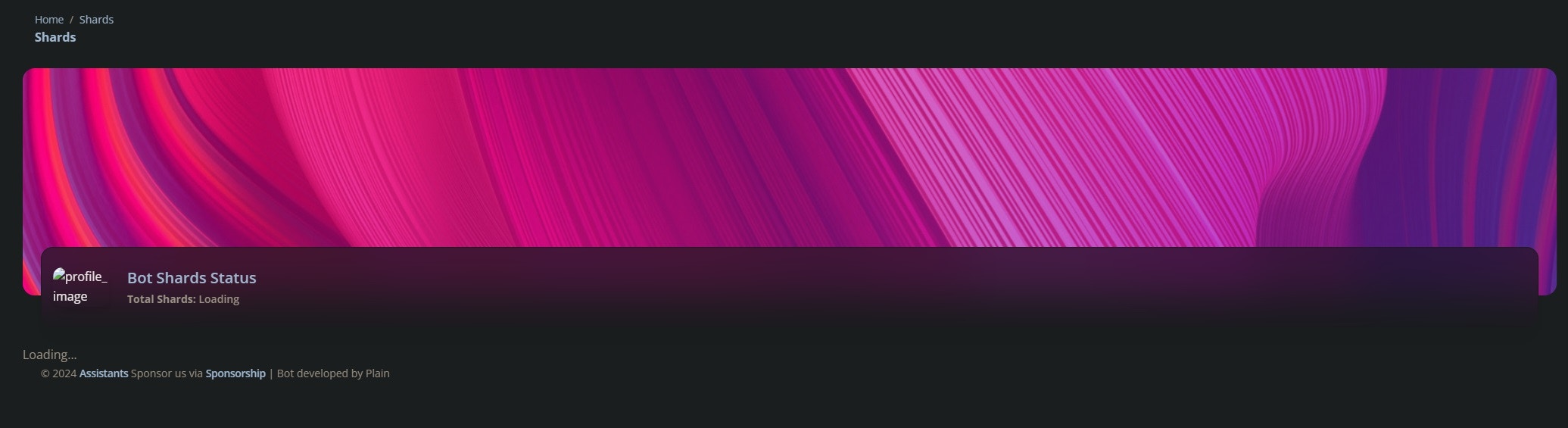
> Soft-UI has a shards page built-in so if you use sharding you can publicly display statistics!
## Dashboard Setup
Place this code into the theme config and change the key to your own **SECURE** string.
```js theme={null}
shardspage: {
enabled: true,
key: "place your key here!",
},
```
## Bot Setup
Install the NPM package on your **Sharding Manager**
```bash npm theme={null}
npm install @dbd-soft-ui/shards
```
```bash yarn theme={null}
yarn add @dbd-soft-ui/shards
```
```bash pnpm theme={null}
pnpm add @dbd-soft-ui/shards
```
```bash bun theme={null}
bun add @dbd-soft-ui/shards
```
Almost done! Place this code into your ready event on the Sharding Manager or if using discord-hybrid-sharding, after spawning the clusters.
```js theme={null}
const DSU = require("@dbd-soft-ui/shards");
DSU.register(manager, {
dashboard_url: "your domain",
key: "your key",
interval: 15,
});
```
It should look like this, except with your details:
```js theme={null}
const DSU = require("@dbd-soft-ui/shards");
DSU.register(manager, {
dashboard_url: String,
key: String,
interval: Number,
});
```
If you want to adjust the interval of stats posting, just simply change the interval to as many seconds as you want.
And we are done! Now just restart your dashboard and bot then the stats collection will begin.
## Image
 ## Props
Indicate if the shardspage should be enabled
The secret key from your dashboard
The url of your dashboard
The secret key from your dashboard
The interval in seconds
## Props
Indicate if the shardspage should be enabled
The secret key from your dashboard
The url of your dashboard
The secret key from your dashboard
The interval in seconds