> ## Documentation Index
> Fetch the complete documentation index at: https://docs.assistantscenter.com/llms.txt
> Use this file to discover all available pages before exploring further.
# Icons
> An Object which contains all the icons used in the website.
```js theme={null}
theme: SoftUI({
icons: {
backgroundImage: String,
favicon: String,
noGuildIcon: String,
sidebar: {
darkUrl: String,
lightUrl: String,
hideName: Boolean,
borderRadius: Boolean,
alignCenter: Boolean,
},
},
});
```
## Example Usage
```js theme={null}
theme: SoftUI({
icons: {
backgroundImage:
"https://www.imageshine.in/uploads/gallery/geometric-Blue-Wallpaper-Free-Download.jpg",
favicon:
"https://assistantscenter.com/wp-content/uploads/2021/11/cropped-cropped-logov6.png",
noGuildIcon:
"https://static-00.iconduck.com/assets.00/discord-icon-2048x2048-nnt62s2u.png",
sidebar: {
darkUrl:
"https://assistantscenter.com/api/user/avatar/63ad65e2d3f1b1b3acdff794",
lightUrl:
"https://assistantscenter.com/api/user/avatar/63ad65e2d3f1b1b3acdff794",
hideName: true,
borderRadius: false,
alignCenter: true,
},
},
});
```
## Image
 ## Props
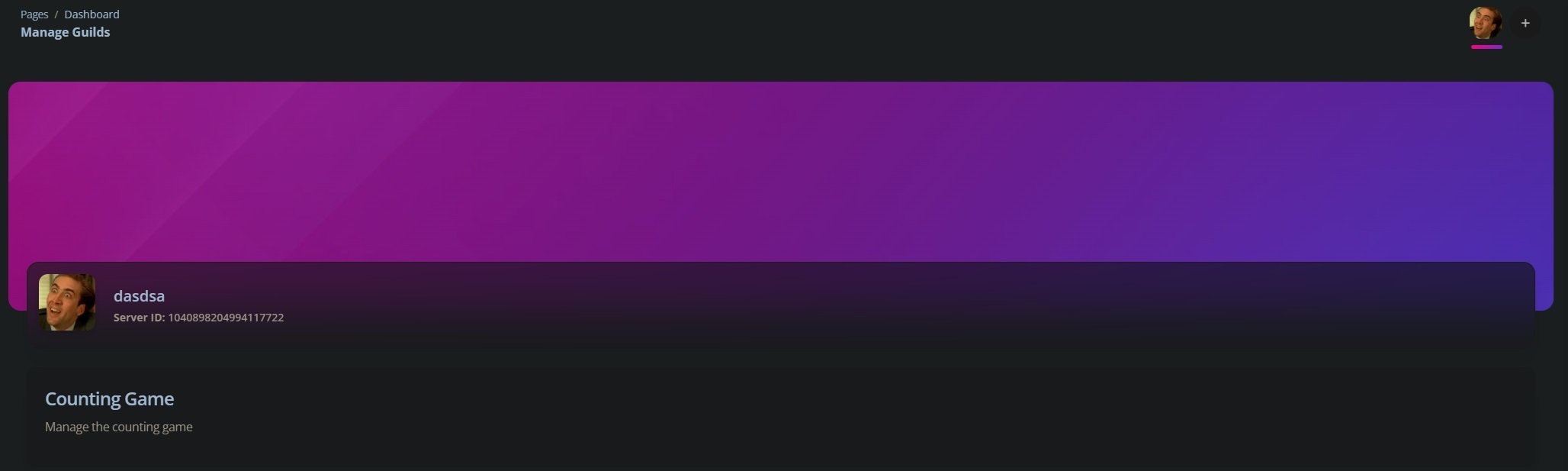
The background image of the website
The favicon of the website
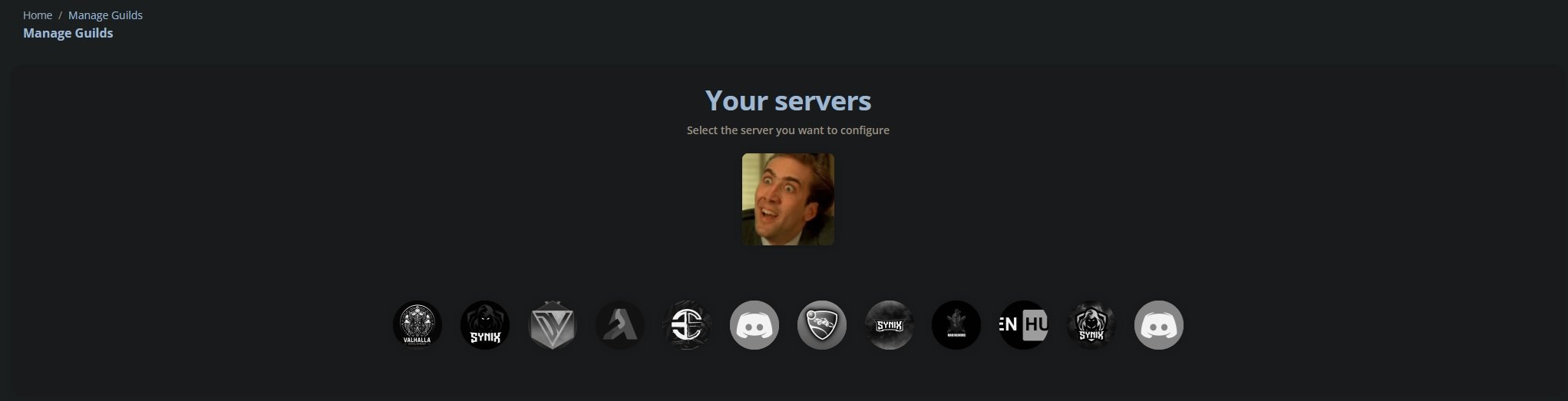
The image of a guild with no icon
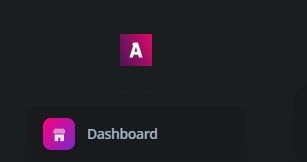
The icon of the website when using dark mode
The icon of the website when using light mode
Whether you'd like to hide the website name next to the icon
Whether you'd like to set the border radius of the icon
Whether you'd like to align the icon to the center
If you want to disable the border radius, you can do so by setting this to false.
```js theme={null}
theme: SoftUI({
icons: {
sidebar: {
borderRadius: false,
},
},
});
```
## Props
The background image of the website
The favicon of the website
The image of a guild with no icon
The icon of the website when using dark mode
The icon of the website when using light mode
Whether you'd like to hide the website name next to the icon
Whether you'd like to set the border radius of the icon
Whether you'd like to align the icon to the center
If you want to disable the border radius, you can do so by setting this to false.
```js theme={null}
theme: SoftUI({
icons: {
sidebar: {
borderRadius: false,
},
},
});
```