> ## Documentation Index
> Fetch the complete documentation index at: https://docs.assistantscenter.com/llms.txt
> Use this file to discover all available pages before exploring further.
# Text Area
```
DBD.formTypes.textarea(placeholder, min, max, disabled, required),
```
Input placeholder.
Minimum length.
Maximum length.
Indicate if the textarea should be disabled or not.
Indicate if the textarea should be required or not.
## Data required for getActualSet function
String, value to be displayed.
## Data returned
String, value set | or null.
## Example Usage
```javascript theme={null}
{
optionId: 'longtext',
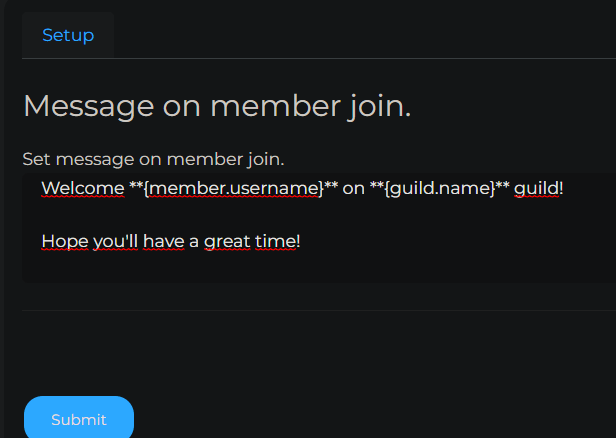
optionName: "Message on member join.",
optionDescription: "Set message on member join.",
optionType: DBD.formTypes.textarea('Set message on member join...', null, 100, false, false), // reqired false (if empty reset to default)
getActualSet: async ({guild}) => {
return welcomeData[guild.id];
},
setNew: async ({guild,newData}) => {
welcomeData[guild.id] = newData || null;
return;
}
},
```